
Desktop & Industrial Barcode Printers for UAE Businesses
SoluWise supplies barcode and thermal label printers across Dubai, Abu Dhabi and the UAE. Choose desktop barcode printers for product and shipping labels, or industrial barcode printers for demanding warehouse, logistics and manufacturing operations.
Explore trusted brands including Zebra barcode printers, TSC, Honeywell and Citizen. We also supply compatible barcode labels, thermal transfer ribbons and printheads. Our team can help you select the right printer based on print volume, label material, resolution and connectivity.
Barcode printer solutions for Dubai, Abu Dhabi, Sharjah and businesses across the UAE.
Printers by Brand



Printers by Type
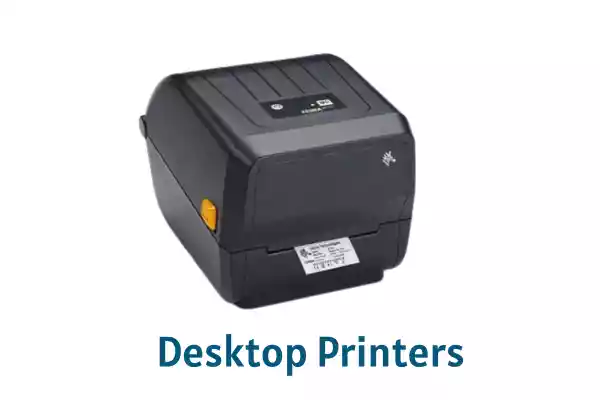

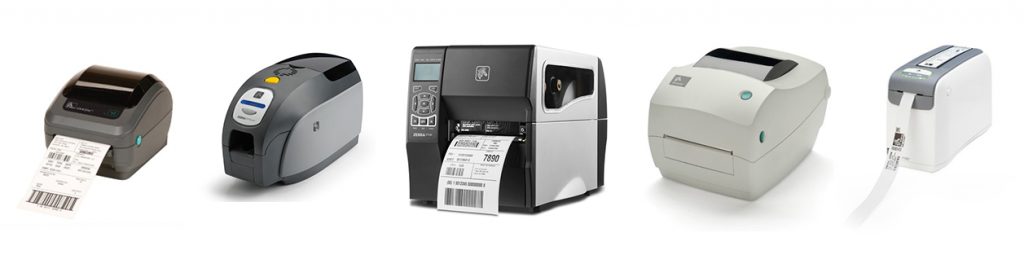
At Zebra, we understand your work pressures. That’s why we purposefully make our printers with you and your job in mind
Popular Models: ZD220, ZD421, ZD621, ZT231, ZT411, GK420t, ZT230


Honeywell printers means greater efficiency and lower cost. Wired and wireless solutions for high-demand printing needs
Popular Models: PC42t, M-Class Mark II, PM43, E-Class Mark III

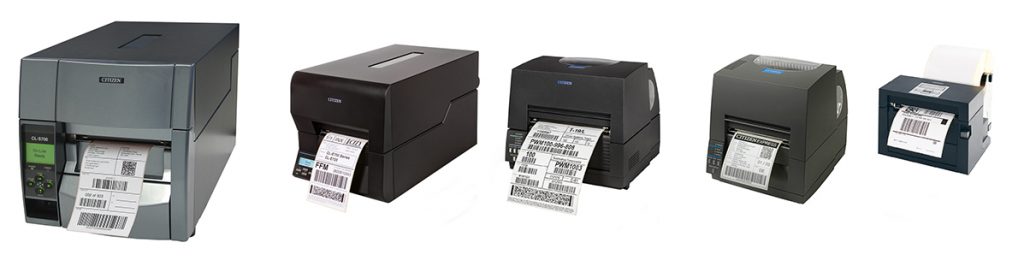
Low maintenance, high performance Barcode and Label printers
Popular Models: CL-E300, CL-E321, CL-S621II, CL-S700II, CL-E720

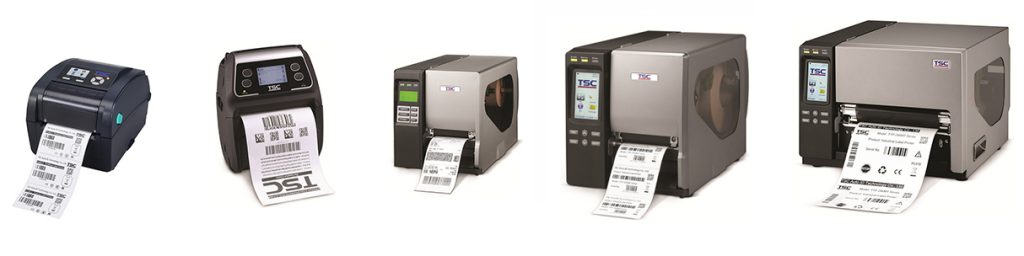
Barcode & Label Printers with high speed performance for high volume printing applications & feature rich options for compact spaces and higher reliability
Popular Models: TE200, TC210, TTP-247, MX240P, MH240, TTP-2410, ME240

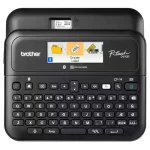
Popular Models: PT-D610, TD-4420, QL-1100, PT-E110VP
How to Choose the Right Barcode Printer
Choosing a barcode printer involves more than comparing prices. Consider your daily printing volume, label material, print quality, connectivity and software requirements before making a decision.
SoluWise supplies barcode printing solutions in Dubai, Abu Dhabi and across the UAE. Explore printers from Zebra, Honeywell, TSC and Citizen, along with compatible labels and thermal transfer ribbons.
1. Desktop or Industrial Barcode Printer?
Start by considering your workload, available space, operating environment and expected growth. The right printer should meet your current needs without unnecessary cost or capacity.
Desktop Barcode Printers
Compact printers are often suitable for retail counters, offices, small warehouses and e-commerce businesses with regular but manageable print volumes.
- Smaller footprint
- Suitable for routine label printing
- Useful for product, shelf and shipping labels
Industrial Barcode Printers
Industrial models are designed for demanding environments and sustained workloads in logistics, manufacturing and busy warehouse operations.
- Designed for demanding printing environments
- Suitable for frequent or longer print runs
- Consider media capacity and required print speed
2. Select the Right Print Resolution
Print resolution is measured in dots per inch (DPI). Higher resolution can help with small text, detailed graphics and compact barcodes, but it is not necessary for every application.
| Resolution | Typical applications | Consideration |
|---|---|---|
| 203 DPI | Shipping, inventory and general product labels | Suitable for many standard barcode applications. |
| 300 DPI | Small labels, jewellery tags and detailed text | Useful when space is limited or greater detail is needed. |
| 600 DPI | Specialized fine-detail applications | Availability depends on the printer model. |
3. Direct Thermal or Thermal Transfer?
Direct Thermal
Uses heat-sensitive label material and does not require a ribbon. It is commonly used for shipping, dispatch and other applications where the required label life is suitable.
- No ribbon required
- Simple consumables setup
- Check sensitivity to heat, light and abrasion
Thermal Transfer
Uses a ribbon to transfer print onto compatible label stock. It can be suitable for durable product, asset and industrial labels when the correct media combination is selected.
- Requires a compatible ribbon
- Works with suitable paper and synthetic materials
- Ribbon selection affects durability and cost
Read our detailed guide: Direct Thermal vs Thermal Transfer Barcode Printers .
4. Check Connectivity and Software
Your printer must work with the computers, mobile devices and business applications used by your team. Confirm interfaces and software compatibility before ordering.
Connectivity
- USB: Direct connection to a computer.
- Ethernet: Network-connected printing.
- Bluetooth or Wi-Fi: Wireless workflows, where supported.
Available interfaces depend on the model and configuration.
Label Design and Integration
- Print barcodes, QR codes, text and graphics.
- Check whether software supports Excel or database data.
- Confirm compatibility with ERP, POS or warehouse systems.
Software features and licensing vary by product and workflow.
5. Choose Compatible Labels and Ribbons
A reliable printing setup depends on compatible consumables. Check label width, roll dimensions, core size, sensor requirements, adhesive and material before selecting your printer supplies.
Barcode Labels
Paper labels suit many everyday applications. Synthetic materials may be preferable when additional moisture, abrasion or environmental resistance is needed.
Explore barcode labelsThermal Transfer Ribbons
Wax, wax-resin and resin ribbons suit different media and durability requirements. The correct combination helps maintain print quality and barcode readability.
Explore barcode ribbonsFor more help with printer selection by application, read: Barcode Printers by Industry: Retail, Warehouse, Healthcare and Laundry .
6. Compare the Total Cost of Ownership
The initial printer price is only part of the investment. Consider ongoing consumables, printhead replacement, maintenance, software licensing, downtime and the support available for your setup.
Before You Purchase
- Confirm model, resolution and print method.
- Check included interfaces and accessories.
- Estimate label and ribbon consumption.
- Verify warranty terms and service arrangements.
Plan for Your Application
- Match the printer to actual workload.
- Check media availability and compatibility.
- Consider future growth and integration needs.
- Test sample labels before committing to a setup.
Need Help Choosing a Barcode Printer?
Tell us what you need to print, your approximate daily volume, label size and working environment. SoluWise can help you identify suitable printer models and compatible consumables.
FAQs
A barcode printer is designed to produce labels, tags or other media containing barcodes, QR codes, text and product information. Many barcode printers use direct thermal or thermal transfer technology, while conventional office printers often use inkjet or laser technology. A dedicated barcode printer is generally more convenient for frequent label printing and barcode workflows.
Consider your daily print volume, label dimensions, print resolution, printing method, connectivity and software requirements. Desktop barcode printers are often suitable for offices, retail counters and smaller operations, while industrial models are designed for demanding environments and sustained workloads. Your label material and expected print durability should also influence your choice.
Direct thermal printing uses heat-sensitive label stock and does not require a ribbon. Thermal transfer printing uses a ribbon to transfer an image onto compatible label material. Direct thermal is common for shipping and other suitable short-life applications, while thermal transfer is often preferred when longer-lasting or more resistant printing is required. The correct choice depends on the label material and operating conditions.
Yes, most barcode printer provide a software where in you can create any type of barcode you need and print it via your barcode printer.
Compatibility depends on the printer model, supported media width, roll dimensions, core size, printing method and label material. Direct thermal printing requires compatible heat-sensitive labels. Thermal transfer printing requires a suitable ribbon and label combination. Paper and synthetic materials may need different ribbon formulations depending on the durability required. Check your printer specifications before ordering.
Barcode labels can be designed using compatible label-design software, printer utilities or business applications. Examples include ZebraDesigner, BarTender and NiceLabel, depending on the printer and required features. If you need to print variable information from Excel, databases, ERP or warehouse systems, confirm that the software and printer configuration support your workflow. Software features and licensing vary.
Not Sure What You Need?
Contact us below, & one of our experts will get in touch with you shortly
Contact Us